How to Create a Strong Password in 2026 (and the Mistakes Everyone Makes)
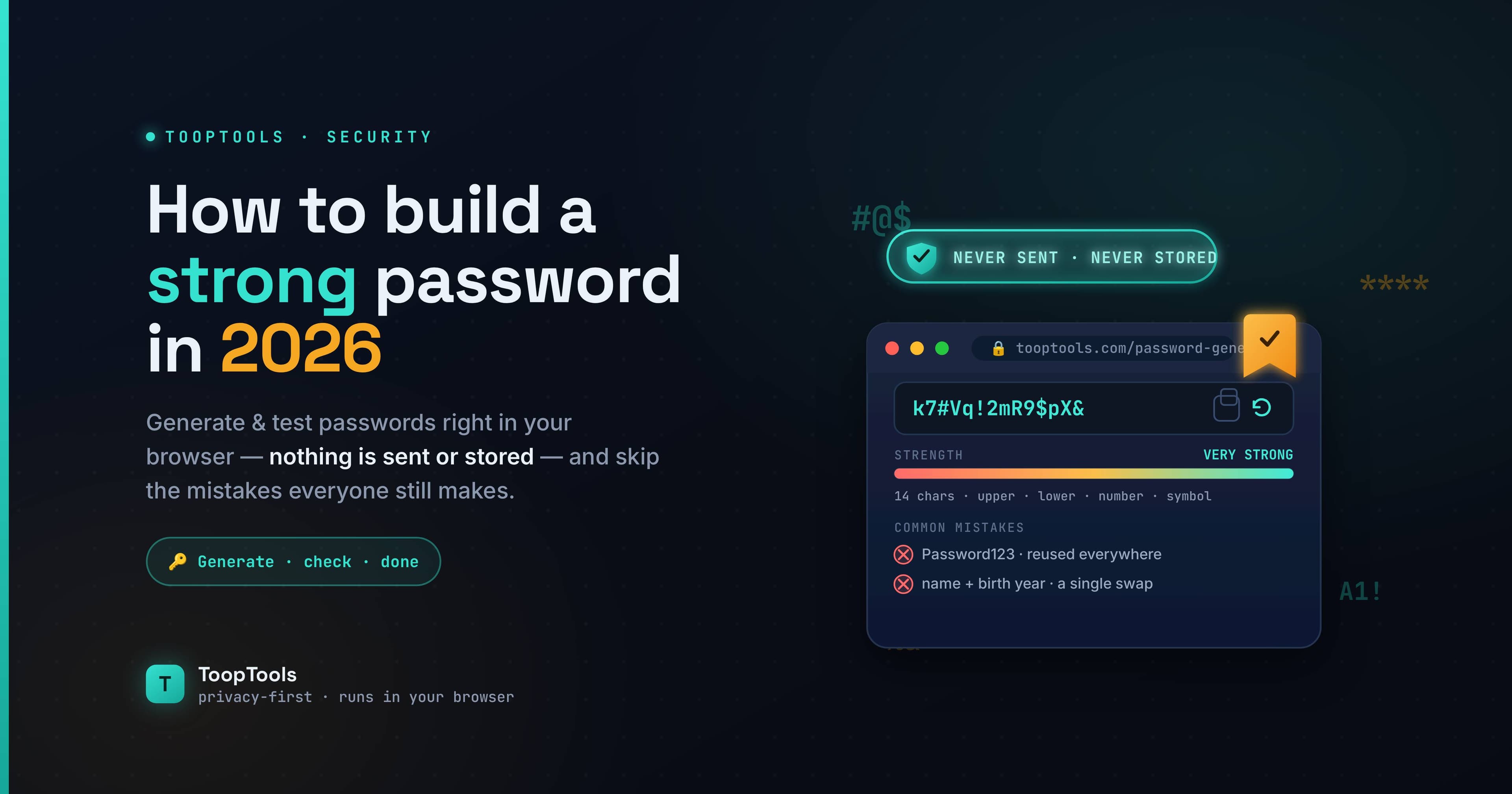
Your password is the front door to your digital life — your email, your bank, your photos, your work. And yet most people protect that door with something a computer could guess in seconds: a short word, a name, a birthday, maybe a "1!" tacked on the end to satisfy a website's rules.
The frustrating part is that almost everything we were taught about passwords is slightly wrong. The "use a capital letter, a number, and a symbol" advice that's been drilled into us for decades optimizes for the wrong thing, and it pushes people toward passwords that are both hard to remember and easy for software to crack.
This guide fixes that. It explains what actually makes a password strong, how to create one that's genuinely hard to break but easy for you to live with, the common mistakes that quietly weaken passwords, and how to check your own — privately, without handing it to a server. None of it is complicated, and most of it comes down to a single idea you're about to see repeated, because it's that important.
What actually makes a password strong
The real measure of password strength is entropy — a way of describing how many possibilities an attacker would have to try before landing on yours. The more unpredictable your password, the higher its entropy, and the longer it would take to crack.
Two things drive entropy: the size of the character set you draw from, and the length of the password. Of those two, length is by far the more powerful lever. Every character you add multiplies the number of possible combinations, so a long password becomes astronomically harder to guess very quickly. A password drawn from a typical character set gains roughly six to seven bits of entropy per character — which means a 16-character password can sail past 100 bits of entropy, a level that's effectively uncrackable by brute force.
The practical takeaway is simple: a long password beats a short, complicated one almost every time. Complexity helps a little; length helps enormously.
The single most important rule: length beats complexity
Here's the insight that changes everything. A short password stuffed with symbols, like P@ssw0rd!, looks secure but is surprisingly weak — it's short, and it uses exactly the predictable substitutions attackers check first. Meanwhile a long string of ordinary words, like correct-horse-battery-staple, is dramatically stronger and far easier to remember.
This is why a passphrase — four or more random words strung together — is one of the best approaches you can take. It's long, which gives it high entropy, but it's made of real words your brain can actually hold onto. You get strength and memorability at the same time, instead of trading one for the other.
Modern security guidance reflects this shift. Organizations like NIST now recommend longer passphrases and discourage the old forced-complexity rules, precisely because those rules push people toward short, cryptic passwords they can't remember (and therefore reuse or write down).
How to create a strong password, step by step
There are a few good methods. Pick whichever fits how you like to work.
Method 1 — The passphrase. Choose four or more random, unrelated words (the randomness matters — a famous quote or a phrase from a song isn't random). String them together, ideally with separators or a number or symbol mixed in to satisfy any complexity rules. Something like violet-engine-pickle-orbit-7. It's long, strong, and you can picture it. For true randomness, a passphrase generator will pick the words for you using a cryptographically secure method.
Method 2 — The generated random password. For accounts you'll never need to type from memory (because a password manager fills them in), the strongest option is a long, fully random string. A password generator creates one instantly with the exact length and character mix you want, using your browser's secure random source so it's genuinely unpredictable. Aim for 16 characters or more.
Method 3 — Let a password manager do it. The most practical approach for most people: a password manager generates and stores a unique, long, random password for every account, and fills them in automatically. You only have to remember one strong master passphrase. This solves both strength and the reuse problem in one move.
Whichever method you choose, the targets are the same: at least 12 characters, ideally 16 or more, unique to that account, and not built from anything an attacker could guess about you.
The password mistakes almost everyone makes
Even people who try to be careful fall into the same traps. Avoiding these matters as much as building a strong password in the first place.
Reusing passwords across sites. This is the big one. Even a strong password becomes a liability the moment you reuse it, because a breach at any single site exposes every account that shares it. Attackers take leaked password lists and try them everywhere — a tactic called credential stuffing. Every account needs its own unique password.
Using personal information. Names, birthdays, pet names, addresses, favorite teams — all of it is guessable, often from your own social media. It feels memorable, but memorable-to-you frequently means guessable-to-others.
Predictable patterns and substitutions. Capitalizing the first letter, ending with a number or !, swapping a for @ or o for 0 — attackers' software tries every one of these first, so they add almost no real strength.
Going too short. A password under about 12 characters, no matter how "complex," is vulnerable to modern cracking hardware. Length is your best defense, so don't skimp on it.
Keyboard sequences and common passwords. qwerty, 123456, password, and their variations are the very first things any attacker tries. They offer no protection at all.
Should you use a password manager?
For most people, yes — emphatically. The hardest part of password security isn't creating one strong password; it's creating and remembering a different strong password for every one of the dozens of accounts you have. That's genuinely impossible to do in your head, which is why people reuse passwords in the first place.
A password manager removes the problem entirely. It generates long, random, unique passwords for each site, stores them securely, and fills them in for you. You memorize a single strong master passphrase and let the manager handle the rest. It's the rare piece of security advice that makes your life easier while making you dramatically safer.
How to check if your password is strong
Once you've created a password, it's worth seeing how it actually holds up. A password strength checker estimates the entropy in bits and an offline crack time, and flags weaknesses like insufficient length or predictable patterns — turning the abstract idea of "strength" into a concrete number you can act on.
One important caveat: be careful where you check. Some "how secure is my password" tools send what you type to a server, which is a strange thing to do with a live password. Use a checker that runs entirely in your browser, so the password is analyzed locally and never transmitted. You can confirm this by opening your browser's developer tools, switching to the Network tab, and watching that nothing is sent while you type. For something as sensitive as a real password, that client-side guarantee isn't optional — it's the whole point.
Beyond the password: turn on two-factor authentication
Even the strongest password is only one layer, and the most important upgrade you can make after improving your passwords is to add a second one. Two-factor authentication (2FA) means that logging in requires not just something you know (your password) but also something you have (a code from an app, a hardware key, or in a pinch a text message). Turn it on, and a leaked or guessed password alone is no longer enough to get into your account.
This matters because passwords leak constantly through data breaches, no matter how strong they are. If your password for a site shows up in a breach, 2FA is the safety net that stops an attacker from actually getting in — they'd also need your second factor, which they don't have. For your most important accounts — email, banking, and your password manager itself — 2FA is close to non-negotiable.
Not all second factors are equal. An authenticator app (which generates rotating codes) or a hardware security key is significantly safer than codes sent by SMS, since text messages can be intercepted or redirected. Where you have the choice, prefer an app or a key. But even SMS-based 2FA is far better than no second factor at all.
Think of it this way: a strong, unique password keeps the obvious attackers out, and two-factor authentication catches the determined ones who somehow got your password anyway. Together they cover the vast majority of real-world account compromises, and setting both up takes only a few minutes per account.
A simple strong-password checklist
Before you settle on a password, run through this:
- Is it at least 12 characters, ideally 16 or more? Length first.
- Is it unique to this account, used nowhere else?
- Is it free of personal info, dictionary words used predictably, and keyboard patterns?
- For accounts you must type from memory, is it a passphrase of random words rather than a short cryptic string?
- Have you let a password manager generate and store it where possible?
- If you checked its strength online, did you use a tool that runs in your browser?
Frequently asked questions
How long should a strong password be?
At least 12 characters, and ideally 16 or more. Length is the single biggest factor in password strength — each extra character makes the password exponentially harder to crack, far more than adding symbols does.
Is a passphrase better than a complex password?
Usually, yes. A passphrase of four or more random words is long (so it has high entropy) while remaining easy to remember, whereas a short cryptic password is harder to recall and often weaker. Length beats complexity.
What makes a password weak?
Being short, reusing it across sites, including personal information, relying on predictable patterns or character substitutions, and using common passwords or keyboard sequences. Any of these can make a password far easier to crack than it looks.
Should I use a different password for every account?
Yes. Reusing a password means one breach can compromise every account that shares it. A unique password per account — ideally generated and stored by a password manager — contains the damage of any single leak.
Is it safe to check my password strength online?
Only with a tool that runs entirely in your browser, so your password is analyzed locally and never sent anywhere. Avoid checkers that transmit your password to a server, and verify in the Network tab if you're unsure.
How do I create a strong password I can actually remember?
Use a passphrase: pick four or more random, unrelated words and join them, mixing in a number or symbol if needed. It's long enough to be strong and made of real words your brain can hold onto.
A strong password isn't about cramming in symbols until you can't remember it — it's about length, unpredictability, and never reusing it. Build long passphrases for the accounts you type by hand, let a generator and a password manager handle the rest, sidestep the common mistakes, turn on two-factor authentication where it counts, and check the important ones with a tool that keeps your password on your own device. Do that, and the front door to your digital life stops being the weakest part of it — and starts being one of the strongest.
Keep reading
- June 26, 2026We Value Your Time, So We Built Free Online Tools That Give Every Minute BackYour time is precious, and we know every moment matters. That's why we built 200+ fast, free online utility tools you can use in seconds — all in one place, all private — so you spend less time on busywork and more on what counts.
- June 26, 202612 Free PDF Tools That Work Entirely in Your Browser (No Upload, No Signup)Merge, split, compress, convert, and edit PDFs with 12 free PDF tools that run entirely in your browser — no upload, no signup, and your documents never leave your device.
- June 26, 2026How to Format and Validate JSON Online (Without Sending It to a Server)Learn how to format, validate, and fix JSON online — beautify minified JSON, catch common errors, and do it all in your browser so your API data never touches a server.