12 Free Online Tools for Writers and Students (No Signup, Private by Default)
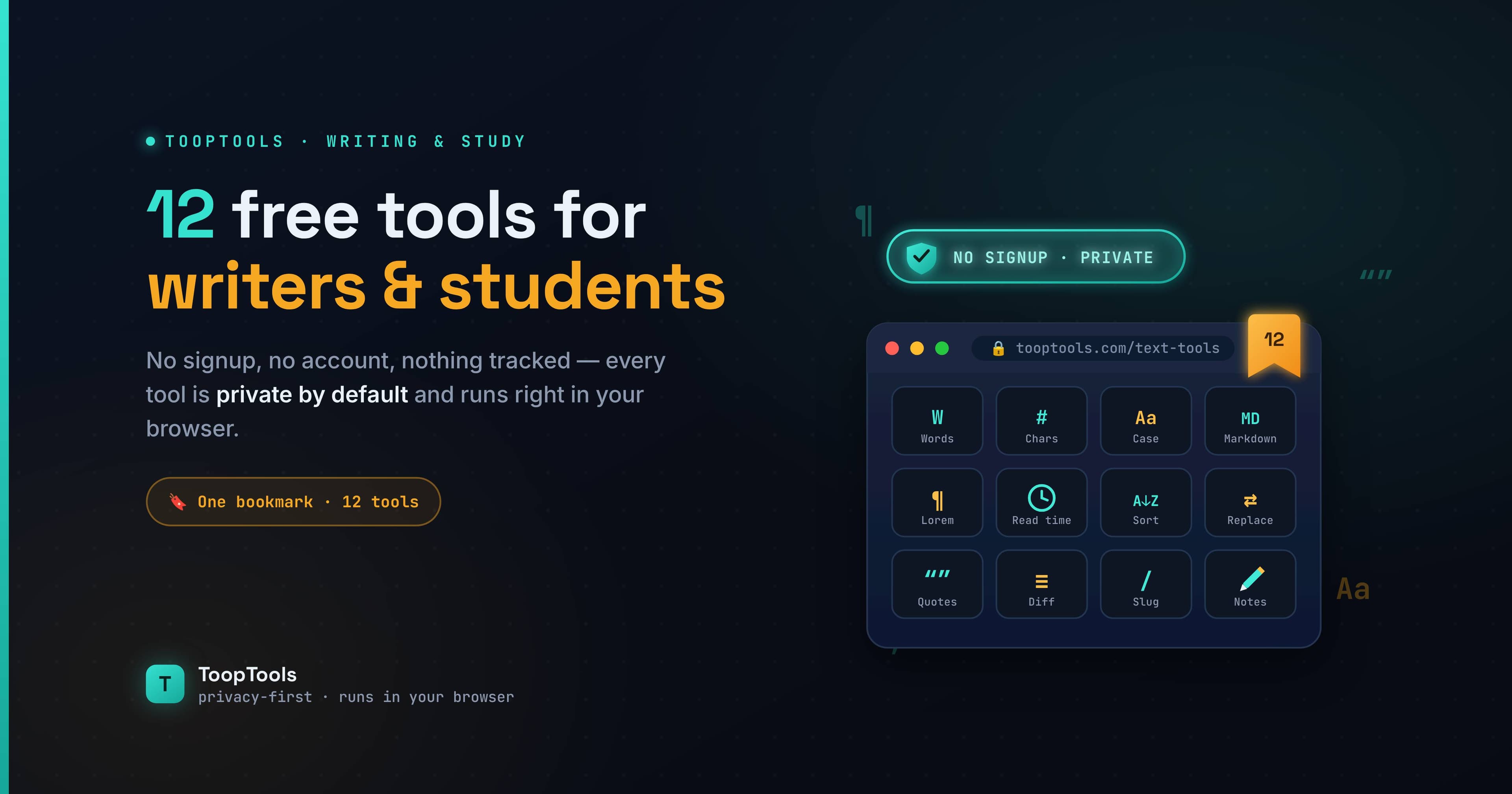
Whether you're writing an essay due at midnight, polishing a blog post, or grinding through a stack of assignments, the right small tool can save you a surprising amount of time. The trouble is that the internet is full of free online tools that are slow, buried in ads, locked behind a signup, or quietly sending whatever you paste off to a server you've never heard of.
This list is different. Below are 12 free online tools genuinely worth keeping for writing and studying — each one fast, free, and able to run entirely in your browser, so your drafts, notes, and assignments never leave your device. No account, no upload, nothing stored. Just open and use.
Whether you're a student trying to hit an exact word count at 2 a.m., a blogger polishing a post before it goes live, or a researcher wrangling a pile of messy notes, the tools below cover the small, repetitive tasks that quietly eat your time — and they do it without making you sign up, sit through ads, or wonder where your words ended up.
Writing and editing tools
1. Word Counter
The most essential tool for anyone working to a length requirement. A good word counter instantly shows your word count, character count, sentence and paragraph totals, and an estimated reading time — all updating live as you type. It's perfect for hitting an exact essay word count, staying within a publication's limit, or checking a social caption against a platform's character cap, without opening a heavy word processor just to see the numbers.
2. Case Converter
Few things are as annoying as a paragraph that arrived IN ALL CAPS, or a title that needs proper capitalization. A case converter switches your text between UPPERCASE, lowercase, Title Case, and Sentence case in a single click. For writers it's a fast way to fix headlines and clean up messy capitalization; for students it rescues notes typed with Caps Lock stuck on.
3. Find and Replace Tool
When you need to swap a name, fix a recurring typo, or standardize a term across a long document, doing it by hand is slow and error-prone. A find and replace tool with support for case sensitivity, whole-word matching, and even regular expressions lets you make sweeping edits in seconds — handy for revising a draft or cleaning up pasted research notes.
4. Remove Duplicate Lines
Research and note-taking often leave you with messy lists full of repeats — sources, quotes, references, or bullet points copied from several places. A remove duplicate lines tool strips out the repetition in one pass, with options to trim whitespace, ignore case, and sort the results, turning a cluttered list into a clean one.
5. Text Diff Checker
Comparing two versions of the same piece of writing — your draft and an edited copy, or two paragraphs you can't decide between — is hard to do by eye. A text diff checker highlights exactly what changed between two blocks of text, line by line, so you can see precisely how a revision differs from the original.
6. Text to Speech
Reading your own work aloud is one of the best ways to catch awkward phrasing and missed words, but it's tiring to do for a long piece. A text to speech tool reads your writing back to you in a natural voice with adjustable speed, so you can hear how a paragraph actually flows — a genuinely useful proofreading trick, and a help for anyone who absorbs information better by listening.
7. Lorem Ipsum Generator
If you design layouts, build a blog theme, or mock up a newsletter, you need placeholder text to see how everything looks before the real words exist. A lorem ipsum generator produces dummy text by paragraphs, sentences, or words, so you can lay out a page without waiting on the final copy.
8. Slug Generator
Publishing a post or page means giving it a clean, readable URL. A slug generator turns any title into a tidy, hyphenated, URL-friendly slug — lowercase and free of special characters — which keeps your links neat and a little friendlier to search engines.
Study and everyday calculation tools
9. Average Calculator
Working out a grade, a set of scores, or any mean value is the kind of quick math that's easy to fumble on a phone. An average calculator does it instantly and accurately — paste your numbers and get the result, with no formula to remember or spreadsheet to open.
10. Age Calculator
Whether you're filling in a form, citing someone's age in a paper, or just settling a question, an age calculator gives you an exact age — in years, months, and days — from any two dates, far faster and more reliably than counting on your fingers.
11. QR Code Generator
For content creators and presenters, a QR code generator is a quietly powerful tool: link to your latest post from a slide, point an audience to a sign-up page, or share a resource without anyone typing a long URL. The codes are static and never expire, so they keep working long after you've made them.
12. Password Generator
It's not strictly a writing tool, but every writer and student juggles logins — for school portals, publishing platforms, and research databases. A password generator creates strong, random passwords on demand, using your browser's secure crypto so the password is genuinely unpredictable and never sent anywhere.
Putting these tools together: a smoother writing and study routine
Each tool on its own is a small convenience. Strung together, they turn a stressful writing or study session into a calmer, faster one.
Picture finishing an essay. You paste your draft into the word counter to confirm you've hit the required length, then use find and replace to fix a term you used inconsistently throughout. You run the whole thing through text-to-speech and listen once — your ears catch the clumsy sentence your eyes kept skimming past. You clean up any capitalization that went sideways with the case converter, compare your edited version against the original in the text diff checker to make sure you didn't lose anything important, and you're done. If the assignment involves any numbers — a grade average, a date calculation — the average calculator and age calculator handle those without you reaching for a separate app.
For content writers the rhythm is similar: draft, count, replace, proofread by ear, tidy formatting, generate a clean slug for the published URL, and move on. None of it requires switching between a dozen websites, and none of it sends your unpublished words to a server.
The goal isn't to use every tool every time. It's to remove the little points of friction — the manual counting, the by-hand find-and-replace, the silent-reading proofread that misses things — so more of your energy goes into the actual thinking and writing. That's what good tools are supposed to do: disappear into the background and let the work take center stage.
Why "runs in your browser" matters for your work
It's tempting to skip past the privacy point, but it's worth a moment of thought. The things writers and students paste into online tools are often more personal than they realize: unpublished drafts, original ideas, research that isn't ready to share, assignments tied to your name, sometimes whole chapters of a book. A lot of free online tools process that text on their own servers, which means a copy of your work lands somewhere out of your hands.
Tools that run entirely in your browser avoid that completely. Because the work happens in JavaScript on your own device, there's nothing to upload and no server to keep a copy. You can count the words in a private manuscript, run an unpublished essay through a text-to-speech proofread, or clean up confidential notes, all knowing the content never leaves your computer. For original writing — the thing you most don't want leaking before you're ready — that guarantee is genuinely valuable.
If you ever want to confirm it, the check takes ten seconds: open your browser's developer tools, switch to the Network tab, and use the tool. If nothing gets sent, your work stayed with you.
Keep your favorites in one place
Bookmarking a dozen separate sites just recreates the clutter this list was meant to cut through. A tidier approach is to keep the tools you actually use in one workspace, where each is a click away. On ToopTools you can pin any of these utilities — and the rest of the 200+ free online tools in the library — into your own personalized workspace, with no account required and nothing synced to a server. It's the difference between hunting for the right tool and simply having it ready.
A few tips for getting the most out of them
Lean on text-to-speech as a real proofreading step, not a novelty — hearing your work read aloud is one of the most effective ways to catch errors, and it costs you nothing but a few minutes of listening. Keep the word counter open in a tab while you draft, so you're always aware of where you stand against a length requirement rather than discovering you're 300 words over at the end. When you paste research from multiple sources, run it through remove duplicate lines and find and replace early, so you're working from a clean base instead of fighting clutter the whole way through. And before you submit or publish anything, a quick pass through the case converter catches the stray formatting issues that make otherwise good work look careless.
Above all, keep the tools you actually use somewhere you'll reach for them. A tool you forget exists saves you nothing; a tool that's one click away saves you a little every single time.
Frequently asked questions
Are these online tools free for students to use?
Yes. Every tool here is completely free, with no signup, no trial, and no usage limits. You can use them as much as you need for essays, assignments, and everyday tasks.
Do I need to create an account?
No. None of these tools require an account or email. Open any of them and start working right away, and pin your favorites into a workspace without ever signing up.
Is my writing private when I use these tools?
Yes. Each tool runs entirely in your browser, so your drafts, notes, and assignments are processed locally and never uploaded, logged, or stored. You can verify this in your browser's Network tab.
Can a word counter help me hit an exact essay length?
Absolutely. A word counter shows your word and character counts in real time as you write or paste, so you can hit a precise requirement — and check sentences, paragraphs, and reading time at the same time.
What other free online tools are available?
Beyond writing and study tools, the full library includes 200+ free online tools covering web development, SEO, design, security, unit conversion, image editing, and PDF tasks — so most everyday tasks are covered in one place.
The best tools for writing and studying are the ones that quietly remove friction — they help you hit a word count, fix your formatting, proofread a draft, or settle a quick calculation, then get out of your way. Keep the ones above somewhere you'll actually find them, and spend less of your time fighting with tools and more of it on the work that matters.
Keep reading
- June 26, 2026We Value Your Time, So We Built Free Online Tools That Give Every Minute BackYour time is precious, and we know every moment matters. That's why we built 200+ fast, free online utility tools you can use in seconds — all in one place, all private — so you spend less time on busywork and more on what counts.
- June 26, 202612 Free PDF Tools That Work Entirely in Your Browser (No Upload, No Signup)Merge, split, compress, convert, and edit PDFs with 12 free PDF tools that run entirely in your browser — no upload, no signup, and your documents never leave your device.
- June 26, 2026How to Create a Free QR Code That Never Expires (URL, Wi-Fi, Text & More)Learn how to create a free QR code that never expires — for a URL, Wi-Fi, text, and more. Understand static vs dynamic codes, why some free QR codes stop working, and how to make ones that don't.